Beyond the Block Editor: Architecting Headless WordPress with GitHub Actions
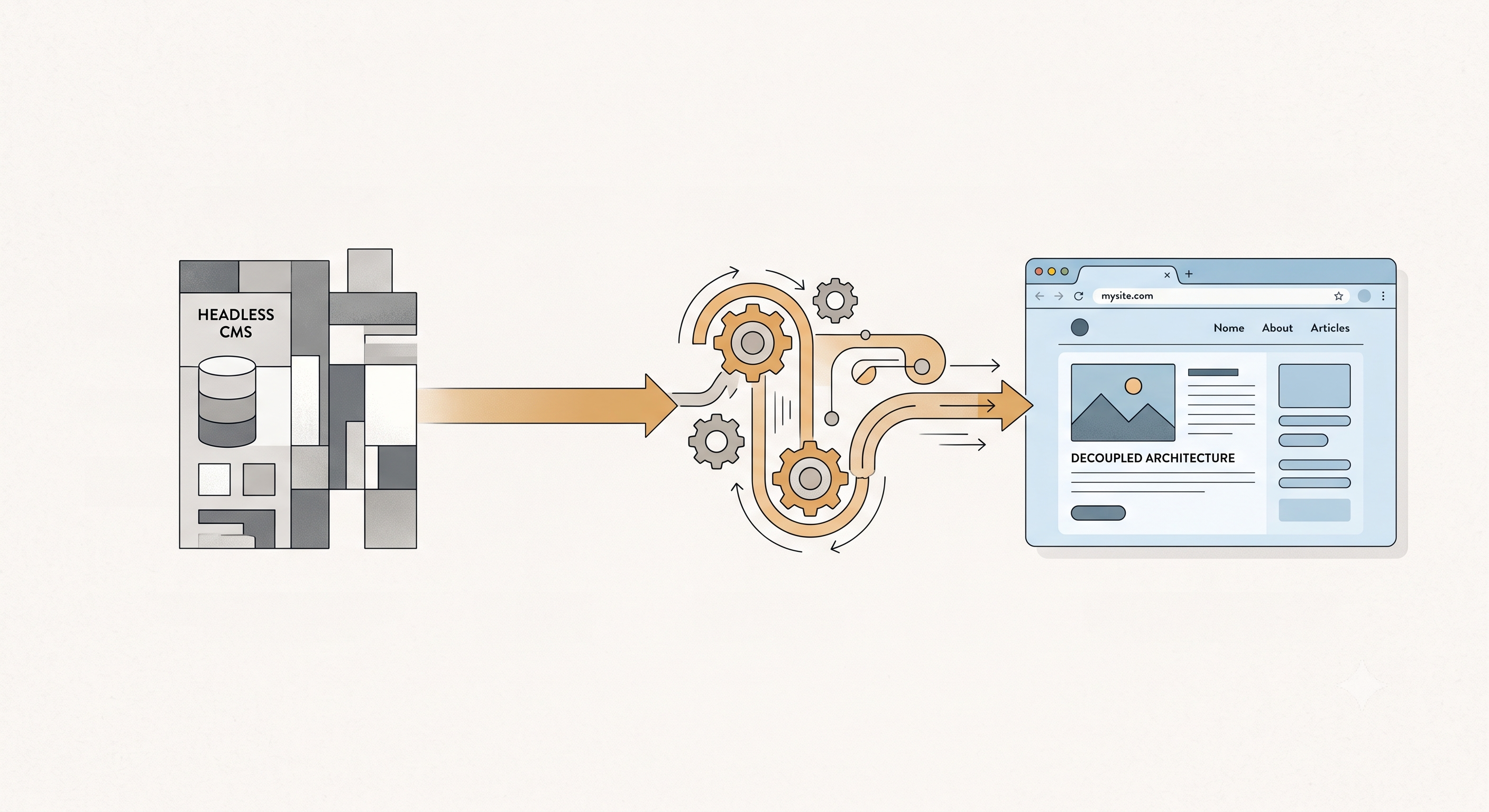
For years, WordPress has been the backbone of countless websites, renowned for its ease of use and vast plugin ecosystem. However, as web development has evolved towards faster, more dynamic user experiences, the traditional monolithic WordPress architecture can sometimes feel limiting. This is where headless WordPress shines, transforming our beloved CMS into a robust content API, decoupling the backend from the frontend. I’ve embraced this approach to leverage modern JavaScript frameworks like React or Next.js for a lightning-fast user interface, while still enjoying the familiar content management capabilities of WordPress.
At its core, headless WordPress treats the CMS purely as a data source. The native WordPress REST API provides the perfect gateway to access our posts, pages, custom post types, and taxonomies. We can easily fetch data by hitting endpoints like `/wp-json/wp/v2/posts` or `/wp-json/wp/v2/pages`. For instance, retrieving the latest five posts for a blog section would involve a simple GET request: `fetch('https://yourdomain.com/wp-json/wp/v2/posts?per_page=5')`. This gives us a JSON object that our frontend application can readily consume and render, completely independent of WordPress's templating engine.
Often, the default REST API endpoints aren't enough. We invariably have custom post types and custom fields (managed via ACF or CPT UI) that need to be exposed. Extending the API is straightforward. To expose a custom field like `featured_image_url` from ACF, I typically use `register_rest_field`. Here's a quick snippet demonstrating how I'd add a post's featured image URL to its REST API response:
add_action( 'rest_api_init', function () { register_rest_field( 'post', 'featured_image_url', array( 'get_callback' => function ( $object, $field_name, $request ) { return get_the_post_thumbnail_url( $object['id'], 'full' ); }, 'update_callback' => null, 'schema' => null, )); });
This snippet registers a new field, `featured_image_url`, to the `post` object, making it available in our API responses. This approach ensures our frontend receives all necessary data in a single, efficient request.
The true power of this decoupled architecture emerges with an automated CI/CD pipeline. I rely heavily on GitHub Actions to streamline deployments, ensuring that every `git push` to our main branch triggers a fresh build and deployment of the frontend application. This eliminates manual steps, reduces errors, and speeds up our development cycle significantly. A typical workflow involves checking out the code, installing dependencies, building the static assets, and then deploying them to a hosting provider like Vercel, Netlify, or an S3 bucket for static site hosting.
Here's a simplified GitHub Actions workflow YAML (`.github/workflows/deploy.yml`) I often use for deploying a Next.js frontend to Netlify:
name: Deploy Frontend to Netlify
on: push: branches: - main
jobs: build_and_deploy: runs-on: ubuntu-latest steps: - name: Checkout code uses: actions/checkout@v3
- name: Setup Node.js uses: actions/setup-node@v3 with: node-version: '18'
- name: Install dependencies run: npm ci
- name: Build Next.js app run: npm run build env: WORDPRESS_API_URL: ${{ secrets.WORDPRESS_API_URL }}
- name: Deploy to Netlify uses: nwtgck/[email protected] with: publish-dir: ./out # For Next.js static export production-branch: main netlify-auth-token: ${{ secrets.NETLIFY_AUTH_TOKEN }} netlify-site-id: ${{ secrets.NETLIFY_SITE_ID }}
In this example, `WORDPRESS_API_URL`, `NETLIFY_AUTH_TOKEN`, and `NETLIFY_SITE_ID` are securely stored as GitHub Secrets, keeping sensitive information out of our codebase. This robust pipeline ensures that our users always see the latest content and features with minimal delay and maximum reliability, truly modernizing the WordPress development experience.