Building WordPress Themes The Right Way: Why Sage Cured My Development Headaches
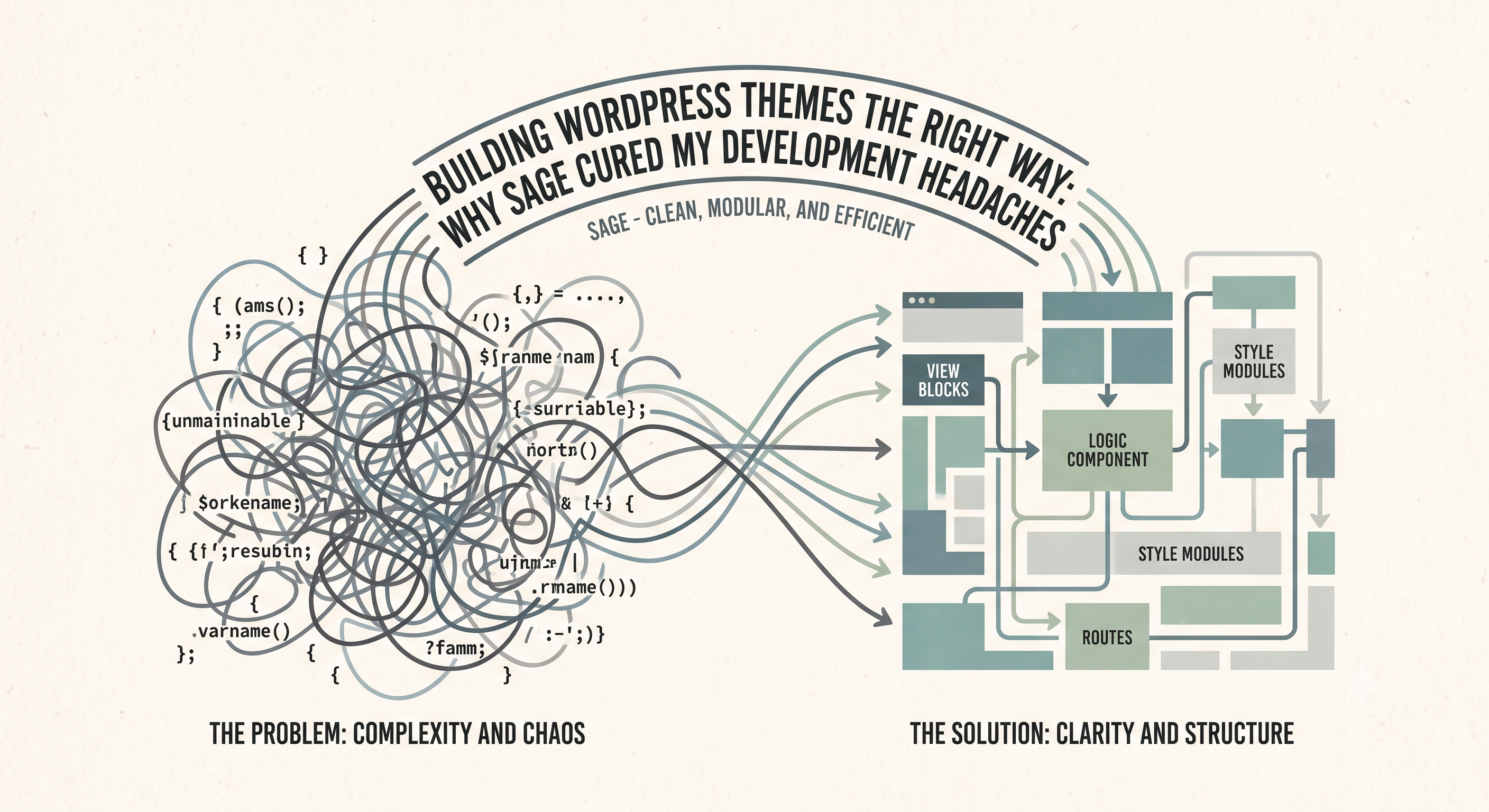
For years, WordPress theme development felt like a constant battle. The default path often led to chaotic spaghetti code, where presentation and logic intertwined, updates were risky, and the codebase a ticking time bomb. This wasn't just frustration; it was delivering unmaintainable, insecure, and underperforming websites. I knew a more professional, organized approach was essential.
That's where Sage entered, fundamentally transforming my workflow. Sage is more than a starter theme; it’s a philosophy for crafting professional, maintainable WordPress applications. It elevates WordPress into modern web development, providing an MVC-like architecture that enforces proper separation of concerns. Sage empowers developers to build complex, custom solutions with clarity and confidence, moving beyond traditional theme limitations.
Immediate relief with Sage came from its Blade templating. Familiar to Laravel users, Blade offers power and elegance. It rigorously keeps templates purely presentation-focused; my Blade files contain only HTML structure and display logic, never heavy data retrieval. This strict separation means design files are clean, readable, and easy to maintain. Designers tweak layouts without wading through PHP loops; they see clear, semantic markup. This ensures the UI layer remains decoupled and organized, drastically reducing cognitive load.
Clean templates demand clean data, and Sage’s View Composers are the solution. A cornerstone of Sage's architecture, they bridge data logic and Blade templates, ensuring all heavy data processing happens *before* it reaches the view. Instead of `WP_Query` calls or custom field retrieval directly in a template, this logic is defined in a dedicated View Composer. This keeps data retrieval programmatic, testable, and separate from presentation, enforcing proper separation of concerns for a robust, easy-to-reason-about codebase.
Underpinning this modernization is Acorn, Sage’s framework bringing Laravel components – including its service container and dependency injection – directly into WordPress. Acorn allows me to register services, manage dependencies, and write highly testable code, just like in a modern application framework. Custom services are trivial to define, inject, and utilize throughout your theme without global functions or singletons. It elevates WordPress theme development from ad-hoc scripts to a properly architected application, enabling true object-oriented programming for scalable, maintainable projects.
Now, let's discuss page builders like Divi or Elementor. I understand their superficial appeal for quick sites, promising visual simplicity. But for bespoke, performant, and truly maintainable websites, they are a massive liability. The 'database bloat' is real – mountains of shortcodes, JSON, and custom post types, incredibly difficult to manage, debug, or migrate. You're locked into their ecosystem; detaching a site means a complete rebuild. Their code output is inefficient, causing performance and SEO issues. There's no programmatic control, no elegant way to extend functionality, and no clean MVC separation. They save hours upfront, but guarantee years of pain, technical debt, and costly rebuilds, trading immediate convenience for long-term unmaintainability.
Adopting Sage is a paradigm shift in WordPress development. It allows me to build robust, high-performance websites with clean, organized, and truly maintainable code. By separating presentation with Blade, routing data cleanly with View Composers, and leveraging modern dependency injection via Acorn, I deliver superior results that are a joy to work on. If you're a developer tired of fighting WordPress and ready for themes that feel like real applications, give Sage a serious look. It's the sane, sophisticated choice for modern WordPress development.