From Bloatware to Blade: Why Sage is My WordPress Development Game-Changer
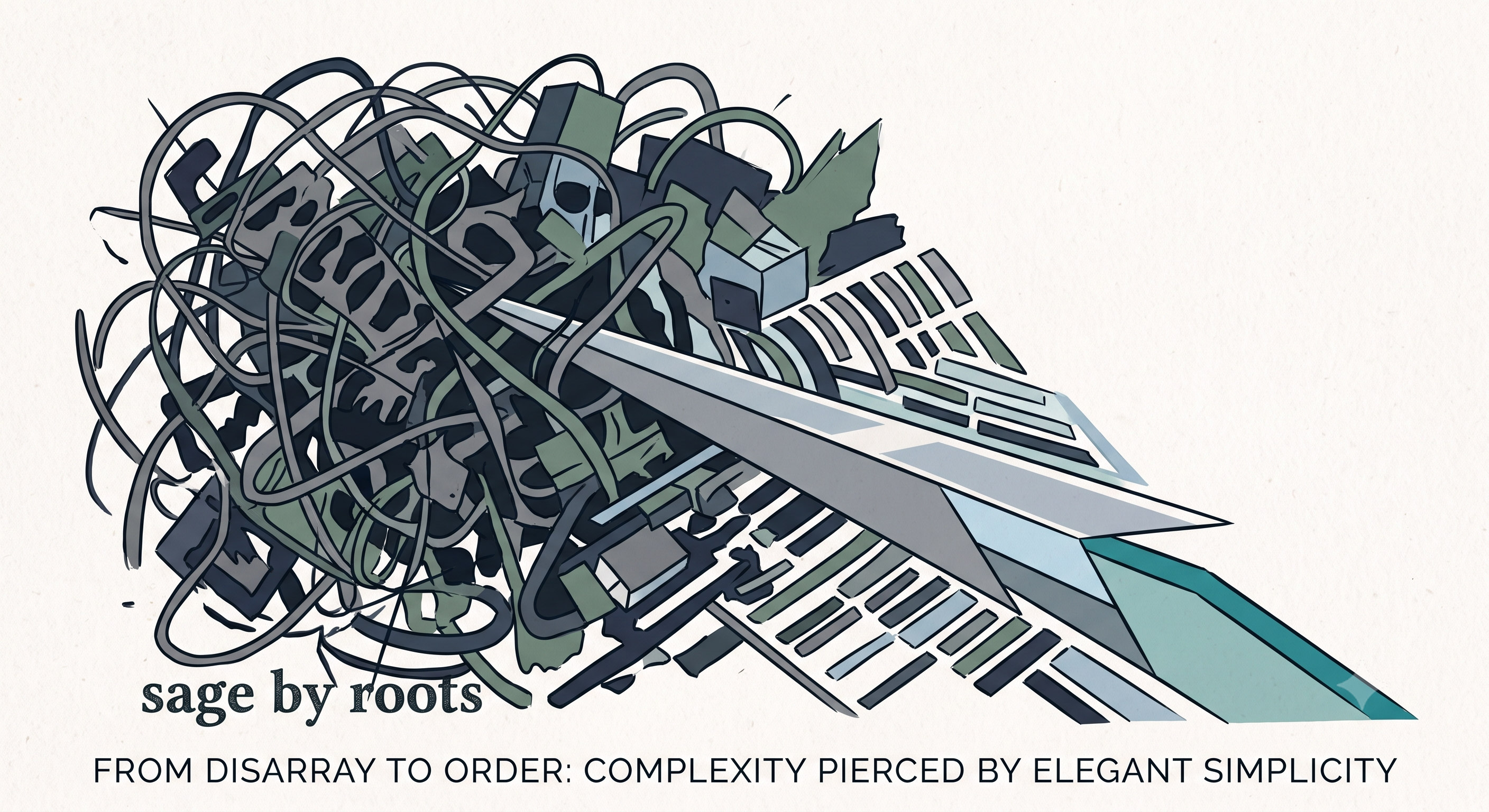
I've spent years navigating the WordPress ecosystem, and if there's one constant frustration I've encountered, it's the struggle between rapid development and maintainable code. We've all seen the appeal of page builders like Divi or Elementor – the promise of quickly spinning up complex layouts without touching a line of code. But for a developer, that promise quickly turns into a nightmare of database bloat, inscrutable shortcodes, and markup that feels impossible to debug or customize programmatically. It’s a fast track to technical debt, locking you into vendor-specific paradigms and making any serious, scalable customization an exercise in futility. That's precisely why Sage has become my undisputed choice for WordPress theme development.
Sage isn't just another starter theme; it's a complete architectural shift for WordPress, bringing a clean, MVC-like structure to a platform often derided for its spaghetti code. The core philosophy is brilliant: separate concerns. Your templates should be just that – templates. No business logic, no data fetching, just presentation. Sage achieves this beautifully with Blade, Laravel's elegant templating engine. Writing Blade templates feels like a breath of fresh air; they are incredibly readable, purely focused on displaying data, and entirely devoid of the messy PHP often found directly embedded in traditional WordPress theme files. This makes them easy to reason about, modify, and keep consistent without worrying about unintended side effects.
The magic truly happens when you pair Blade with Sage's View Composers. This is where you route your data cleanly and programmatically to your presentation layer. Instead of cramming `WP_Query` loops or custom function calls directly into your template file, you define a View Composer that's responsible for fetching and preparing all the necessary data for a specific view. Think of them as the 'controller' part of our MVC-like structure, ensuring your templates receive exactly what they need, pre-packaged and ready for display. This separation makes your code significantly cleaner, more testable, and far easier to scale. If a data source changes, you update the View Composer, not every template that might display that data.
Beyond templating and data routing, Sage elevates the entire development experience with Acorn, its underlying framework that ports many of the best features from Laravel directly into WordPress. This means you gain access to modern dependency injection, robust service providers, and a highly organized codebase. Suddenly, managing your classes, dependencies, and services becomes a first-class citizen in your WordPress project, rather than a tacked-on afterthought. You're building a truly programmatic application, not just a collection of files. This allows for cleaner code, better testability, and a development workflow that feels genuinely modern and maintainable, a stark contrast to wrestling with the monolithic output of visual builders.
Choosing Sage means embracing a development philosophy where your code is the source of truth, not a series of database entries generated by a visual interface. It means building robust, scalable WordPress solutions that are a joy to work on, debug, and hand off. While Divi or Elementor might offer a quick fix for non-developers, for anyone serious about crafting high-quality, long-term WordPress projects, Sage provides the tools, structure, and peace of mind that truly sets your work apart. It's the difference between building with Lego blocks that someone else designed and engineering with a comprehensive set of modern, professional tools. If you're tired of WordPress's architectural quirks, Sage offers a profoundly better way forward.