That Lighthouse Score and the Headless Rabbit Hole I Fell Down
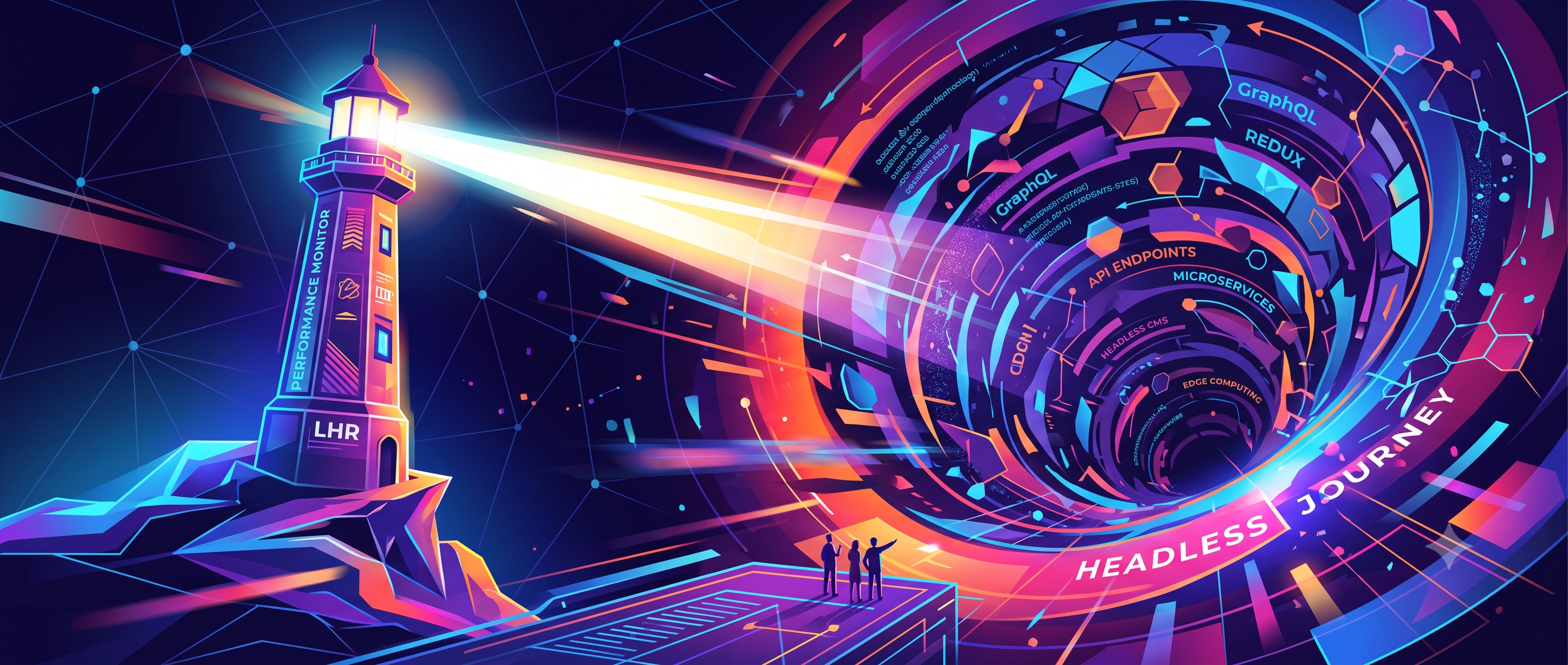
I remember staring at the Lighthouse report for that client's old WordPress site last year. The mobile score was an abysmal 38. Thirty-eight. It was clunky, barely responsive, and honestly, a nightmare to develop on. Every plugin update was a gamble, every page load a test of patience. We needed a clean break, but the client *loved* the WordPress admin for content. They weren't going to budge on that.
That's when I finally pulled the trigger on a full headless setup. We went with Next.js on the frontend, mostly because I was already pretty comfortable with React and its SSG/SSR capabilities felt like a perfect fit for a performance-critical site. For the backend, keeping WordPress was non-negotiable for the content team. But the standard REST API? Nah. That gets unwieldy fast with complex custom fields and relation data. We opted for WPGraphQL, paired with Advanced Custom Fields. It meant a bit more setup work initially, customising the GraphQL schema to expose exactly what we needed, but man, it pays off in developer experience. No more fighting with `_embed` parameters or filtering through mountains of unneeded data in client-side queries. Just precise data fetching.
Then came the deployment puzzle. Building a static Next.js site meant we needed a robust CI/CD pipeline. I set up a GitHub Actions workflow that basically kicked off on every push to `main`. It'd run `npm install`, then `npm run build`, pulling content directly from the live WordPress instance. If that passed, it'd `rsync` the `out` directory to an S3 bucket configured for static hosting, and then invalidate the CloudFront cache. The first few runs were… interesting. I distinctly remember chasing down a `Error: ENOENT: no such file or directory, open '.next/standalone/server.js'` because I'd forgotten to configure Next.js's output in `next.config.js` for `output: 'standalone'` when deploying to a bare S3 bucket. Took me a solid hour to realize my brain fart. Another hiccup was the cache invalidation on CloudFront; you really need to be specific about the paths, or you’ll burn through your free tier quickly or wait ages for changes to show.
Look, everyone talks about the benefits of headless: blazing fast sites, better DX, more scalable. All true. But what they don't always tell you is that it *does* add a layer of operational complexity. You're essentially managing two separate applications, two deployment pipelines, two monitoring setups. That initial setup isn't trivial, and you've got to be disciplined about your content modeling to make the GraphQL API truly sing. It's not a silver bullet for every project. Sometimes, a well-optimized traditional WordPress site with a good caching layer is still the simpler, more cost-effective choice. Don't let the hype lead you astray without doing a proper cost-benefit analysis.
But for *that* project, with that Lighthouse score nagging at me, it was absolutely the right move. We cut load times by over 70%, pushed the Lighthouse mobile score consistently into the high 90s, and the dev team's morale went through the roof. It taught me a lot about balancing ambition with practicality.